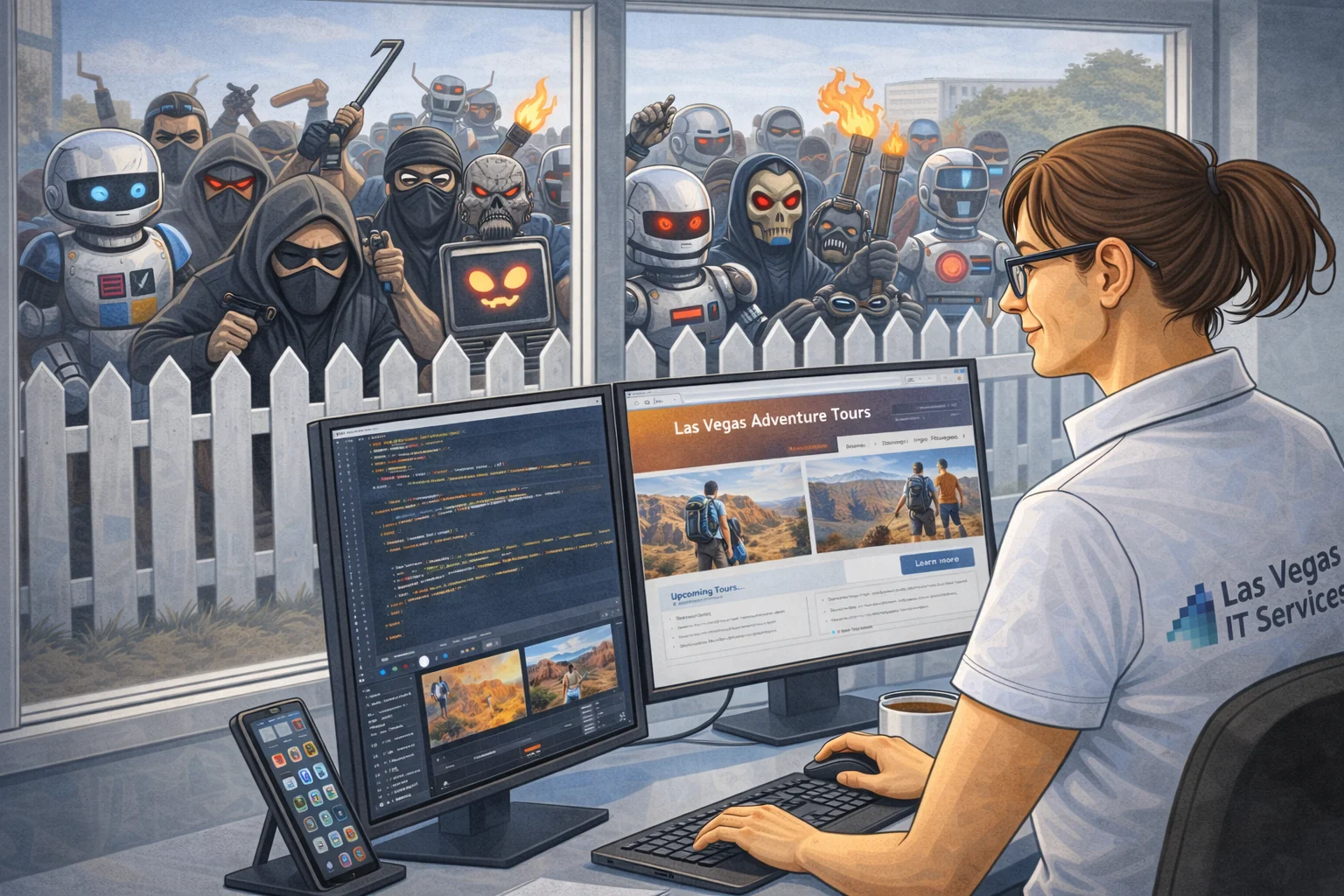
Your business doesn't need to be a casino or a defense contractor to get hacked. Most cyberattacks target small businesses, and the reason is simple: small businesses tend to skip the basics.
The good news is that basic security isn't complicated. It's a handful of layers, each one making your business significantly harder to break into. No single layer is bulletproof on its own, but stacked together, they turn your business from an easy target into one that's not worth the effort.
Here's what those layers look like.
1. Turn On Two-Factor Authentication Everywhere
A password alone is not enough anymore. Hackers buy stolen credentials in bulk from data breaches, and if your team reuses passwords (they do), one breach can unlock your email, your CRM, your accounting software, and your cloud storage.
Two-factor authentication (2FA) stops that. Even if someone has the password, they can't get in without the second factor, usually a code from an app on your phone.
Turn it on for everything: email, Microsoft 365, QuickBooks, your bank, your CRM. If a service offers 2FA and you're not using it, you're leaving the door open.
One tip: use an authenticator app like Microsoft Authenticator or Google Authenticator. Text message codes are better than nothing, but they can be intercepted. The app is more secure and just as easy.
2. Put a Real Firewall Between Your Network and the Internet
Your internet provider's router has a basic firewall built in. It's not enough.
A business-grade firewall monitors traffic coming in and going out. It blocks known threats, prevents employees from accidentally reaching malicious websites, and gives you visibility into what's happening on your network. If someone's computer starts sending data to a server in another country at 2 AM, a good firewall catches that.
For a small office in Las Vegas or Henderson, a firewall from Fortinet, SonicWall, or Ubiquiti runs a few hundred dollars and pays for itself the first time it blocks something your router wouldn't have caught. If your team works remotely, a firewall with VPN support lets them connect securely from anywhere, whether they're at home, at a coffee shop on Green Valley Parkway, or in a hotel lobby on the Strip.
3. Use Unique Passwords for Every Account
This one sounds obvious. It isn't happening.
Most people have a handful of passwords they rotate across dozens of accounts. That means when one service gets breached (and breaches happen constantly), attackers try those same credentials everywhere else. It's called credential stuffing, and it works because people reuse passwords.
The fix is simple: every account gets its own unique password. No exceptions. Your email password should be different from your QuickBooks password, which should be different from your bank password, which should be different from your CRM login.
"But I can't remember 50 different passwords." You're right. That's what the next layer is for.
4. Use a Password Manager
A password manager stores all your passwords in one encrypted vault. You remember one strong master password, and the manager handles the rest. It generates random, complex passwords for each account and fills them in automatically when you log in.
Good options for small businesses include 1Password, Bitwarden, and Dashlane. Most run $4 to $8 per user per month, and they work across computers, phones, and tablets.
Beyond convenience, password managers protect you in a way you might not expect. They only autofill credentials on the real website. If a phishing email sends you to a fake Microsoft login page that looks identical to the real one, your password manager won't fill in your password because the URL is wrong. You'll notice something is off before you type anything.
5. Treat Every Email With Suspicion
Phishing is still the number one way businesses get compromised. Not because the emails are sophisticated, but because they arrive when you're busy and distracted.
An email says your Microsoft 365 subscription is expiring. Another one looks like it's from your bank asking you to verify a transaction. A third one appears to come from your boss asking you to wire money to a vendor. They look real. The logos are right. The tone is professional.
Here's what to watch for:
- Urgency. "Your account will be locked in 24 hours" is designed to make you click before you think.
- Unexpected requests. Your bank will never ask you to click a link to verify your account. Your boss wouldn't ask you to wire money over email without a phone call first.
- Slightly wrong addresses. The email might come from support@micros0ft.com (zero instead of the letter O) or admin@yourbank-secure.com instead of the actual domain.
- Links that don't match. Hover over any link before clicking. If the displayed text says "Microsoft 365 Login" but the URL goes to something like ms-login-verify.sketchy-domain.com, don't click it.
When in doubt, don't click the link in the email. Go directly to the website by typing the address yourself, or call the company using a number you already have on file.
Why Layers Matter
No single one of these measures is perfect. Passwords get stolen. Phishing emails get more convincing. Firewalls have vulnerabilities.
But here's what makes layered security work: an attacker has to beat all of them, not just one. They might get a password from a breach, but 2FA blocks the login. They might craft a convincing phishing email, but the password manager refuses to autofill on the fake page. They might find a way past the firewall, but unique passwords mean compromising one account doesn't give them access to everything else.
Each layer covers the gaps in the others. That's the whole point.
Start With What You Have
You don't need to do everything today. Pick the layer that's weakest and fix that first. For most businesses, it's turning on 2FA and getting a password manager. Those two changes alone eliminate the majority of common attacks.
If you're not sure where your gaps are, that's what we're here for. We work with small businesses across Las Vegas and Henderson to put these layers in place without disrupting how your team works.
