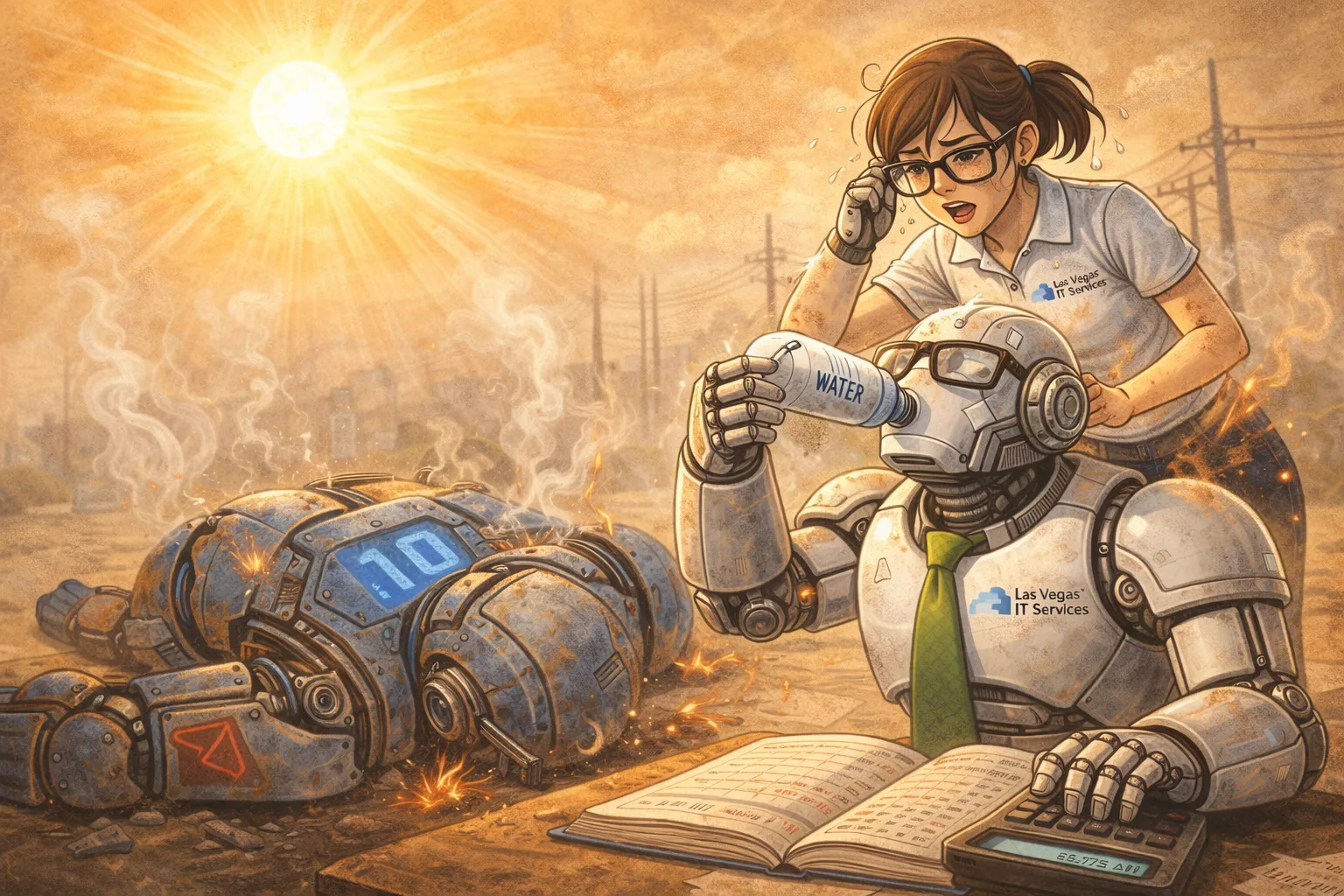
Disaster recovery for a Las Vegas small business starts with a blunt question: if your office server, NAS, or primary workstation died today, would your business lose data, lose time, or both?
Backups are the answer most people give. Disk redundancy is another. But neither one is enough by itself. A real continuity plan combines reliable local storage, offsite backup, tested restores, documented recovery steps, and a practical way for employees to keep working when something fails.
That is why we now offer Backblaze B2 Cloud Backup for SMB backup and disaster recovery planning. It gives local businesses a cost-effective offsite backup layer for NAS and server data, with client-side encryption and monthly billing based on actual stored capacity.
Want us to review your backup risk? Las Vegas IT Services can assess your server, NAS, Microsoft 365, workstation, and Backblaze B2 readiness. Schedule an IT assessment or contact us.
Backups, Redundancy, and Disaster Recovery Are Different
These terms get mixed together, but they solve different problems.
Disk redundancy protects against a drive failure. RAID, mirrored disks, and redundant NAS arrays can keep a system online when one disk dies.
Backup protects against data loss. A backup gives you a separate copy of files, databases, and system data that can be restored after deletion, corruption, ransomware, hardware failure, or user error.
Disaster recovery is the plan for getting the business running again. It includes which systems come back first, where the backups are, who performs the restore, how employees work during the outage, and how long recovery should take.
Business continuity is the larger operating plan. It asks how the business keeps serving customers while IT is recovering.
A healthy SMB plan needs all four.
Why Disk Redundancy Is Not a Backup
Disk redundancy is valuable, especially for a NAS or server. If one drive fails, the system may keep running while the failed drive is replaced.
But redundancy will not save you from:
- Accidental deletion
- Ransomware encryption
- File corruption
- A failed RAID rebuild
- Theft
- Fire or water damage
- A power event that damages the whole system
- An admin mistake that deletes the wrong share
Redundancy keeps storage available. Backup gives you a clean point to restore from. Disaster recovery tells you what to do next.
Where Backblaze B2 Fits
Backblaze B2 is an offsite cloud storage layer. For many Las Vegas SMBs, it is a strong fit for NAS and server backup because it keeps a separate encrypted copy away from the office.
Our Backblaze B2 Cloud Backup service is designed for businesses that have important shared data on a NAS or server and want a practical offsite copy without enterprise storage complexity.
Typical use cases include:
- Synology NAS backup
- Shared company files
- Accounting exports and archives
- Project folders
- Scanned documents
- Server backup repositories
- Long-term business records
The goal is not just to store data somewhere else. The goal is to make recovery possible when the office hardware, local disks, or primary data path fails.
The Practical Backup Architecture
A simple SMB backup architecture can look like this:
- Primary storage - your NAS, server, workstation, or cloud application
- Disk redundancy - RAID or mirrored disks to reduce downtime from single-drive failure
- Local backup or snapshot layer - fast restore for common mistakes
- Backblaze B2 offsite backup - encrypted cloud copy outside the office
- Restore testing - proof that data can actually come back
- Continuity plan - how staff keep working while recovery happens
This gives the business multiple recovery paths. If someone deletes a file, restore locally. If a disk fails, redundancy buys time. If ransomware or a site event damages local data, recover from the protected offsite copy.
Client-Side Encryption Matters
For business backup, encryption should not be an afterthought.
With client-side encryption, data is encrypted before it leaves your environment. That helps protect sensitive business files, accounting records, client documents, and internal records while they are stored offsite.
Encryption also creates an operational responsibility: the encryption key must be protected. If the key is lost, the backup may be unrecoverable. A good disaster recovery plan documents where the key is stored, who can access it, and how emergency access works.
Backups Need Retention, Not Just Sync
Sync is not backup.
If ransomware encrypts a file and that encrypted version syncs everywhere, you may have simply copied the damage. A backup plan needs retention: the ability to go back to an earlier version or recovery point.
For disaster recovery, review:
- How often backups run
- How many versions are retained
- How long deleted files are recoverable
- Whether ransomware can alter or delete backup copies
- Whether backup alerts are monitored
- Whether restore tests are documented
Backblaze B2 can be a strong offsite target, but the backup software, retention policy, encryption settings, and restore process still need to be configured correctly.
Set RTO and RPO Before You Buy Anything
Two recovery targets make planning clearer.
RTO: Recovery Time Objective. How long can this system be down?
RPO: Recovery Point Objective. How much recent data can the business afford to lose?
Examples:
- File share RTO: same business day
- Accounting data RPO: 4 hours
- Archived documents RTO: 2 business days
- Current project files RPO: 1 hour
Not every system needs the same target. A small office may not need expensive instant failover for every folder. But the owner should know the difference between "we can recover this today" and "we might be down for several days."
Business Continuity: Keep Working During Recovery
Disaster recovery is not only about the restore button.
If your NAS is offline, can employees still answer customers? Can invoices still go out? Can managers access vendor contacts? Can payroll run? Can field staff work from laptops or phones?
Continuity planning should cover:
- Backup internet options
- Cloud access to emergency documents
- Microsoft 365 access and admin recovery
- Phone and voicemail routing
- Temporary workstation options
- Vendor contact list
- Customer communication templates
- Who makes decisions during an outage
The recovery plan should not live only on the server it is meant to recover.
Local Las Vegas Risks to Plan Around
Las Vegas SMBs have a few practical risks that should influence backup design:
- Heat-stressed network closets and storage devices
- Power events and failed battery backups
- Construction-related internet outages
- Office moves where equipment is disconnected or damaged
- Stolen laptops or portable drives
- Ransomware targeting small businesses
- One local server or NAS acting as the single point of failure
An offsite Backblaze B2 copy helps reduce site-level risk. Disk redundancy helps reduce drive-level risk. A continuity plan helps reduce business interruption.
A 2026 Backup and Continuity Checklist
Use this as a starting point:
- Confirm what data lives on each server, NAS, workstation, and cloud app
- Use disk redundancy where local storage availability matters
- Back up NAS/server data to Backblaze B2 or another offsite target
- Enable client-side encryption and protect the key
- Set retention long enough to recover from delayed ransomware discovery
- Monitor backup failures
- Test restores quarterly
- Document RTO and RPO for critical systems
- Protect Microsoft 365 admin accounts with MFA
- Keep recovery documentation outside the primary system
- Add backup internet if cloud access is business-critical
What We Check in a Backup Assessment
When we review a Las Vegas SMB backup environment, we look at:
- NAS or server model and disk health
- RAID or disk redundancy configuration
- Backup software and schedule
- Backblaze B2 bucket design and encryption approach
- Retention/versioning needs
- Microsoft 365 backup and retention gaps
- Ransomware exposure
- Restore testing history
- Internet dependency
- Recovery documentation
- Monthly storage expectations
Our Backblaze B2 Cloud Backup service is billed by actual stored capacity, approximately $6/TB per month, so the right design starts with knowing what should be protected and how long it should be retained.
The Bottom Line
Backblaze B2 is not a magic disaster recovery plan by itself. Neither is RAID. Neither is a backup report.
But together, the pieces work:
- Disk redundancy keeps local storage resilient
- Backblaze B2 keeps encrypted offsite copies available
- Retention protects against delayed discovery
- Restore testing proves the backup works
- Documentation and continuity planning keep the business operating
That is the practical SMB disaster recovery stack: protect the disks, protect the data, prove the restore, and plan the business response.
Las Vegas IT Services helps local businesses design and manage this stack, including Backblaze B2 Cloud Backup, Microsoft 365 protection, endpoint security, backup internet, and recovery documentation.
Schedule an IT assessment | View support packages | Contact Las Vegas IT Services
