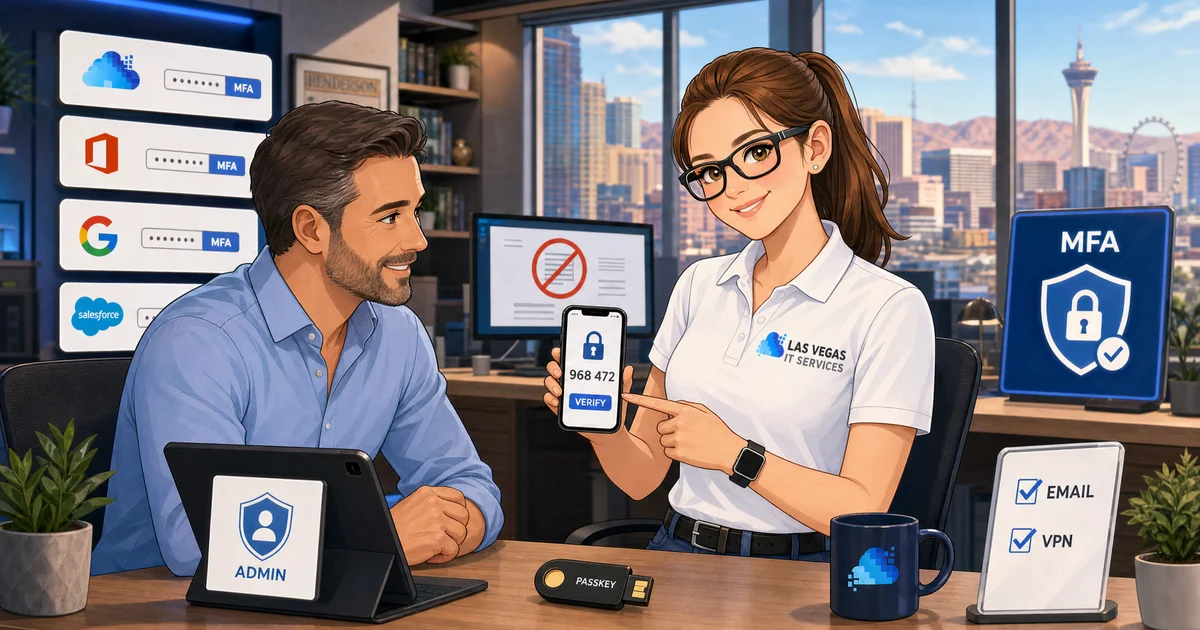
Multi-factor authentication sits in an awkward place in most Las Vegas small business security programs: everyone agrees it matters, most businesses have it partially deployed, and almost nobody has it deployed correctly everywhere it needs to be.
That gap is where the attacks come in. The majority of business email compromise, ransomware, and credential-theft incidents we see on Las Vegas SMBs in 2026 involve at least one account where MFA was not enforced, was configured weakly, or was bypassed via a legacy protocol that nobody remembered to turn off.
This is the practical guide we use to take a typical 10-to-50-person Las Vegas or Henderson SMB from "sort of has MFA on most things" to "MFA enforced across every account that matters, with the legacy bypasses closed." No enterprise budget required. Achievable inside a few weeks for most businesses.
Key takeaways
- MFA is still the single highest-ROI security control you can deploy. Microsoft's own numbers put it at roughly 99% effective against automated attacks against identity.
- Not all MFA factors are equal. SMS codes are better than nothing but weakest. Authenticator apps are the practical SMB default. Passkeys and hardware security keys are the strongest and should be used on admin accounts.
- Enforcement matters more than configuration. "MFA available to users" is not the same as "MFA required for sign-in." If users can opt out, many will.
- Legacy authentication protocols (IMAP, POP, basic SMTP auth) bypass MFA. If they are still enabled on your tenant, your MFA enforcement has a hole in it.
- Plan for the edge cases: shared mailboxes, service accounts, conference room devices, and staff without smartphones.
Why MFA still matters more than anything else you can deploy
The attack pattern that most reliably lands on a Las Vegas SMB looks like this:
- A staff member's password shows up in a breach dump from some unrelated service they used years ago
- An attacker sprays that password against common SaaS platforms, including your Microsoft 365 or Google Workspace tenant
- The login succeeds because the employee reused the password
- The attacker is now inside the mailbox and can read email, set up forwarding rules, and prepare a business email compromise attack
If MFA is enforced on that account, step 3 fails. Not sometimes , essentially always, because the attacker does not have the second factor. This is why Microsoft's security team reports that properly configured MFA blocks on the order of 99% of automated identity attacks.
That is the single most important number in SMB cybersecurity. Nothing else you deploy , no EDR, no email filter, no security training , prevents as many incidents per dollar spent as mandatory MFA does.
The factor hierarchy: what's actually strong?
Not all second factors are created equal. In rough order from weakest to strongest:
SMS text codes , acceptable fallback, not a primary factor
Still common, still beats no MFA, but attackers can (and do) intercept SMS via SIM-swap attacks against specific targets. Fine as a backup factor. Not what you want as the primary method for admin accounts.
TOTP codes in an authenticator app (Microsoft Authenticator, Google Authenticator, Authy, 1Password)
The practical default for most SMB users. Strong against remote attackers, phishing-resistant only when combined with number-matching or push approval prompts that show context. Easy to deploy, works on any smartphone.
Push approval with number matching
A sign-in attempt fires a push notification. The user sees a two-digit code on the screen and taps the matching number in the app. This is the pattern that defeats most real-world phishing attempts because the user is actively confirming context, not just tapping "Approve."
For Microsoft 365, this is Microsoft Authenticator with number matching enabled , a tenant-level setting you should turn on.
Passkeys
A cryptographic credential tied to the device. The user proves possession with Face ID, Touch ID, or a PIN. Phishing-resistant by design , a fake login page cannot capture the credential because it never leaves the device. Rolling out to Microsoft 365, Google Workspace, and most major SaaS platforms as of 2026.
For SMBs, passkeys are the direction of travel. Start with admin accounts, then expand.
Hardware security keys (YubiKey, Google Titan)
The strongest factor available. Physical USB or NFC keys, cryptographically unphishable. Used by the security teams at every major tech company for a reason. Use these on anything where a breach would be catastrophic , the Microsoft 365 Global Admin account, the Google Workspace super admin, the AWS root account, the domain registrar.
The enforcement playbook
Here is the order of operations we actually run with Las Vegas SMB clients.
Phase 1: Foundation (week 1)
- Enable MFA on every admin account in your identity platform first. Not users , admins. If an admin account is compromised, everything else is downstream of it.
- Enforce MFA via Conditional Access (Microsoft) or Context-Aware Access (Google), not just user-level toggles. The enforcement layer matters because it cannot be bypassed by an individual user.
- Require number matching or push with context on the authenticator app. Disable SMS as a primary factor where possible.
- Block legacy authentication at the tenant level. This one step is load-bearing: if IMAP, POP, and basic SMTP auth are still allowed, your MFA policy has a hole.
Phase 2: Rollout (weeks 2-3)
- Roll out MFA to all users via an announcement, a short training video, and a deadline. Communicate in plain language: what they need to do, by when, and what happens if they do not.
- Set up Microsoft Authenticator or Google Authenticator on each user's phone. Most will self-serve with a one-page guide.
- Handle the edge cases: users without company phones, users who cannot or will not install an app, conference room devices, and shared mailboxes. (See the next section.)
- Monitor sign-in logs for failed MFA attempts in the first two weeks. Unusual patterns often reveal either a confused user or an active attack.
Phase 3: Hardening (week 4+)
- Move admin accounts from TOTP to passkeys or hardware keys.
- Expand passkey rollout to the broader user base as platforms support it.
- Review the conditional access or context-aware access policies every quarter. Close any exceptions that are no longer needed.
- Add risk-based authentication rules , higher friction for unusual sign-in locations, impossible travel, new devices.
The edge cases that trip up SMB rollouts
These are the ones that catch most in-house MFA projects and turn them into three-month slogs. Plan for them up front:
- Shared mailboxes. Shared mailboxes in Microsoft 365 don't sign in directly and don't need an MFA license. But the users who access them do. No special handling needed , just make sure every individual user with delegated access has MFA enforced.
- Service accounts. Accounts used by applications, not humans. These should use app passwords, API tokens, or managed identities , not regular user credentials. If a service account has a password and no MFA, it is your weakest link.
- Staff without smartphones. Issue a hardware security key. They cost around $50 per key, and for the small number of staff who need them the investment is trivial compared to a breach.
- Conference room phones, reception devices, warehouse scanners. Use device-specific sign-in (kiosk mode, shared device accounts with limited access) rather than bypassing MFA on a user account.
- VIPs who refuse. Every business has one. The CEO who insists MFA slows them down. The reality is that VIP accounts are the highest-value targets in the tenant. This is an enforcement conversation the MSP or IT lead needs to have with ownership directly, not a technical problem.
Common rollout mistakes to avoid
- Letting users opt out. If enforcement is voluntary, 20% of your users will not enroll, and those 20% will include at least one target that matters.
- Forgetting the legacy auth protocols. MFA enforced in Conditional Access while IMAP is still enabled is a paper fence.
- Using SMS for admin accounts. Admins are the most targeted accounts and also the hardest to recover if compromised. They need the strongest factor you can deploy.
- Skipping the communication. Most user friction with MFA is about the surprise, not the technology. A two-week heads-up with a clear deadline and a one-page guide solves 80% of help-desk tickets.
- Not testing the recovery path. What happens when a user loses their phone? Test it before you need it.
What to deploy if you're still on old-school MFA
If you are reading this and your organization is still on SMS-based MFA, consider a staged upgrade:
- Every admin account: move to a passkey or hardware security key this quarter
- Every regular user: move to Microsoft Authenticator or Google Authenticator with number matching
- Block legacy authentication protocols at the tenant level
- Turn on risk-based conditional access policies
That set of moves is within reach for any SMB with a competent IT function, costs very little in licensing beyond what you already have, and dramatically raises the cost of attack for a would-be intruder.
Ready to audit your current MFA posture?
If you want a straight answer on whether your current MFA deployment actually protects your business , including which accounts are still enrolled weakly, which protocols are bypassing enforcement, and where your real gaps are , schedule a call. We will run an identity audit, flag the specific accounts that need attention first, and map out a two-to-four-week hardening plan.
MFA is the single best security investment a Las Vegas small business can make in 2026. Getting it right matters more than getting every other piece of security right.
