You built your website on Wix three years ago. It looked fine. It had your phone number, your hours, maybe a stock photo of someone shaking hands in a conference room. It worked.
Then you noticed something. Your competitor down the street, the one who opened six months after you, keeps showing up above you on Google. Their site loads faster. It looks sharper on your phone. And when you search for your own service in your own city, they are right there and you are nowhere.
That is not a coincidence.
The First 30 Minutes Matter Most
What you do right now determines whether this is a bad week or a business-ending event. Here is the playbook.
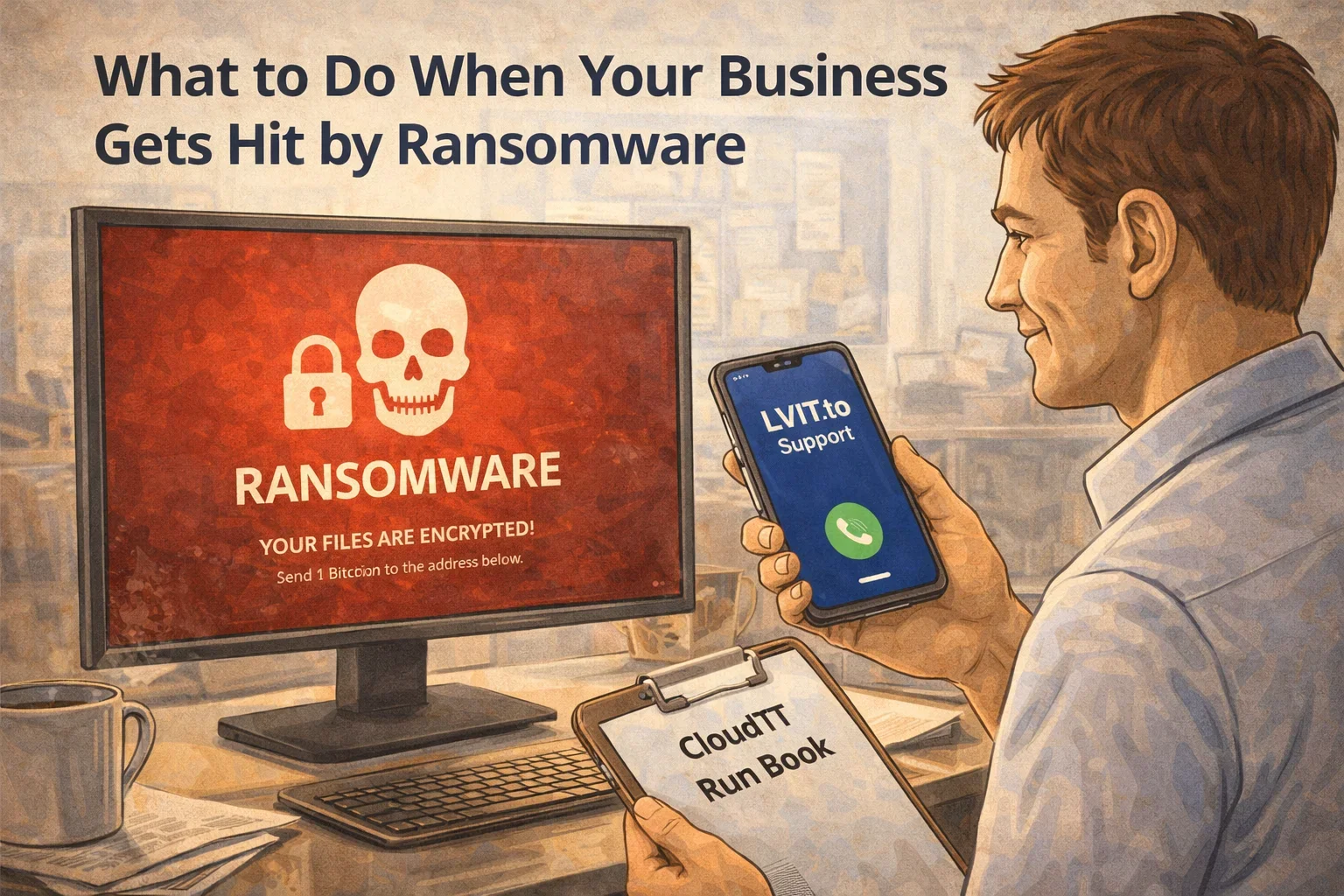
Step 1: Disconnect everything. Unplug the infected computer from the network. Pull the ethernet cable. Turn off Wi-Fi. If you have other machines that still seem fine, disconnect them too. Ransomware spreads laterally across networks fast.
Step 2: Do not turn off the infected machines. This sounds counterintuitive, but some ransomware leaves decryption keys in memory. Shutting down destroys that evidence. Disconnect from the network, but leave the machines powered on.
Step 3: Call your IT provider. If you have a managed IT provider, call them immediately. They have seen this before and they know what to do. If you do not have one, this is about to become the most expensive lesson in your business history.
Step 4: Do not pay the ransom. This is not a negotiation with a reasonable party. Paying does not guarantee you get your files back. It does guarantee that the attackers know you will pay, making you a target for next time. The FBI agrees: do not pay.
Step 5: Report it. File a report with the FBI Internet Crime Complaint Center (IC3). If you are in a regulated industry like healthcare or finance, you may have legal reporting obligations too.
How Recovery Actually Works
If you have backups, recovery is straightforward but time-consuming. Your IT team will:
- Identify the ransomware variant and scope of the damage
- Wipe and rebuild infected machines from clean images
- Restore data from your most recent clean backup
- Verify the restored systems are not reinfected
- Change every password in the organization
The key word there is backups. If you have them, you lose hours or days. If you do not, you may lose everything.
The Backup Question
Not all backups protect against ransomware. If your backup drive is connected to the same network as your computers, the ransomware encrypted that too. Cloud sync services like OneDrive or Google Drive may have synced the encrypted versions over the good ones.
What actually works:
- Offline backups. An external drive that is disconnected after each backup. Old school, but ransomware cannot encrypt a drive that is not plugged in.
- Immutable cloud backups. Services that keep versioned snapshots that cannot be modified or deleted, even by an admin account.
- 3-2-1 rule. Three copies of your data, on two different types of media, with one copy offsite. This has been the gold standard for decades because it works.
Why Las Vegas Businesses Are Targets
You might think ransomware is a big-company problem. It is not. Small and mid-size businesses are the primary target because they are less likely to have security controls in place and more likely to pay.
According to CISA, ransomware incidents increased significantly across all sectors in 2025, with small businesses bearing the brunt of attacks.
Las Vegas adds another layer. The hospitality, real estate, and professional services industries here handle sensitive customer data, financial records, and personally identifiable information. Attackers know this data has value and they know smaller businesses often lack the resources to protect it properly.
A ransomware attack on a 15-person accounting firm in Henderson is not making the news, but it is absolutely happening.
How to Make Sure This Never Happens
Most ransomware attacks are preventable. Not all, but most. Here is what actually moves the needle:
Multi-factor authentication on everything. Email, VPN, cloud apps, admin accounts. MFA stops the majority of credential-based attacks, which are how most ransomware gets in.
Endpoint protection that is not just antivirus. Traditional antivirus scans for known threats. Modern endpoint detection and response tools watch for suspicious behavior in real time and can isolate a machine before the damage spreads.
Employee training that is not a checkbox. Your team needs to recognize phishing emails, suspicious links, and social engineering attempts. One realistic simulation per quarter is more effective than an annual PowerPoint.
Patch everything. Unpatched software is an open door. Windows updates, browser updates, firmware updates. If it connects to your network, it needs to be current.
Segment your network. If your front desk computer and your file server are on the same flat network, one compromised machine means everything is compromised. Network segmentation limits the blast radius.
The Cost of Doing Nothing
The average ransomware payment in 2025 was over $500,000, according to Sophos. But the payment is not even the expensive part. Downtime costs more. The average small business loses $8,000 to $74,000 per hour of downtime depending on the industry.
Then there is the cleanup: forensic investigation, system rebuilds, legal consultation, customer notification if personal data was exposed, and the reputation damage that follows.
Compare that to the cost of managed IT security, proper backups, and employee training. It is not close.
What to Do Right Now
If you are reading this and you have not been hit, you are in the best position possible. Here is your checklist:
- Verify your backups exist, are current, and are stored offline or in immutable storage
- Enable MFA on all email and cloud accounts
- Make sure your endpoint protection is active and up to date
- Ask your IT provider about network segmentation
- Schedule a phishing simulation for your team
If you have been hit and you are reading this in a panic, take a breath, disconnect your machines, and call someone who handles this every day.
