Key Takeaways
- Turnover is an IT Security Issue: In Las Vegas' high-turnover industries (hospitality, retail, food service), a fast-paced hiring cycle often leads to sloppy offboarding, creating significant insider threat risks.
- Orphaned Accounts Are Open Doors: A single forgotten email or SaaS account allows former employees to access sensitive company data, customer lists, or internal communications long after they leave.
- Hardware Recovery is Only Step One: Getting a laptop back isn't enough. You must remotely wipe company data from personal devices (BYOD) and instantly revoke all active sessions.
- Automation is Essential: Manual checklists fail. Local SMBs need centralized identity management to cut off access to dozens of apps with a single click.
- A Standardized Process Protects You: Working with an experienced provider like Las Vegas IT Services ensures your offboarding process is airtight and compliant.
The Las Vegas economy runs on motion. Whether you operate a restaurant in Summerlin, a boutique hotel, or a retail chain on the Strip, employee turnover is a recognized fact of business life. The local market is transient, and finding good help often dominates a business owner's attention.
But while HR and management are laser-focused on recruiting and onboarding the next great hire, they often neglect the critical final step of an employee's lifecycle: IT Offboarding.
When an employee walks out the door for the last time, getting their physical keys and ID badge is easy. Revoking their digital keys is much harder. In a modern small business, an employee might have access to a Microsoft 365 mailbox, a CRM, a specialized line-of-business app, a cloud file server, and the company's social media accounts—all accessed from their personal smartphone.
If you miss even one of these access points, the threat is already inside your network.
The Reality of the Insider Threat
When we talk about "insider threats," people often picture corporate espionage or malicious data theft. While that does happen, the vast majority of insider security incidents in Las Vegas SMBs are much more mundane—and equally dangerous.
The Disgruntled Ex-Employee
An employee leaves on bad terms. If their email account isn't immediately suspended, they might log in from home to delete crucial project files, email a hostile message to your client list, or download proprietary customer data to take to a competitor.
The Accidental Breach
A former employee's personal laptop gets infected with malware a year after they left your company. Because they still have an active, lingering connection to your company's cloud storage, that malware automatically syncs to your corporate network, triggering a massive ransomware infection.
The Compliance Nightmare
If you operate a medical practice or a business that processes credit cards, failing to terminate access violates HIPAA and PCI-DSS compliance requirements. If a breach occurs because of an orphaned account, the regulatory fines can be devastating.
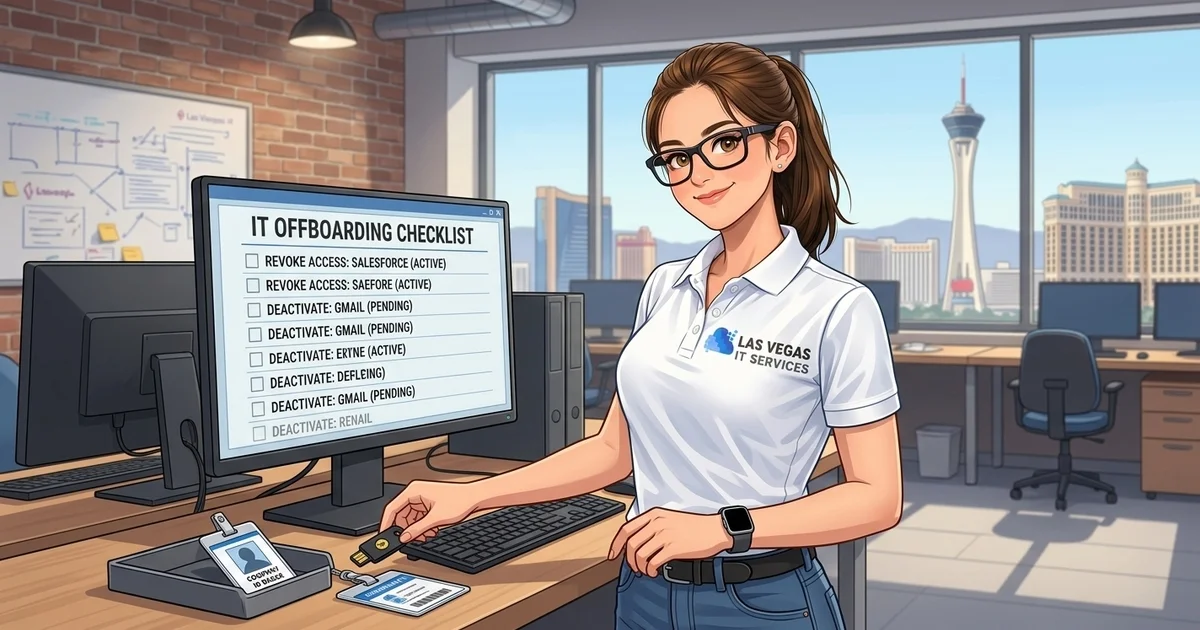
The Ultimate Las Vegas IT Offboarding Checklist
To protect your business, you need a repeatable, airtight offboarding process. You cannot rely on an office manager trying to remember every software tool the company uses.
Here are the critical steps every Henderson and Las Vegas SMB must take the moment an employee departs:
1. The Immediate Account Lockout
Before the employee's exit interview concludes, IT must initiate a global account lockout. - Reset the Core Password: Immediately change the password for their primary identity provider (e.g., Microsoft 365 or Google Workspace). - Revoke Active Sessions: Forcing a password reset does not automatically log the user out of active sessions on their phone or home computer. You must explicitly trigger a "Sign out everywhere" command. - Block Sign-in: Change the account status to "Blocked" so no future logins can be attempted.
2. Secure and Transfer Communications
Do not immediately delete the employee's mailbox. You have legal and operational reasons to preserve it. - Convert to a Shared Mailbox: In Microsoft 365, convert the user's mailbox to a shared mailbox to stop paying for their license while retaining all their historical data. - Set Up Forwarding: Forward their incoming email to their manager so important client communications don't fall through the cracks. - Configure an Auto-Responder: Set a professional out-of-office reply informing senders of the departure and providing the new point of contact.
3. Retrieve and Wipe Hardware
Physical hardware recovery is straightforward, but data recovery is complex. - Collect Company Devices: Retrieve laptops, tablets, phones, and physical security keys (like YubiKeys). - Remote Wipe BYOD Data: If your company allows Bring Your Own Device (BYOD), you must use Mobile Device Management (MDM) to remotely wipe company data (emails, files, apps) from the employee's personal smartphone without deleting their personal photos.
4. Revoke Third-Party SaaS Access
This is where most businesses fail. Employees often use their company email to sign up for third-party tools (Canva, Mailchimp, specialized CRMs, or industry forums). - Audit App Usage: Use your identity provider's logs to see what apps the employee recently accessed. - Transfer Ownership: If the employee was the primary admin for your company's Facebook page or domain registrar, transfer that ownership to a manager before you delete their email. - Revoke Licenses: De-provision their licenses in your CRM, accounting software, and specialized tools.
The Power of Centralized Identity Management
If your offboarding process requires an IT person to manually log into 15 different websites to delete a user, mistakes will happen.
The most effective way for Las Vegas SMBs to secure their operations is to implement Single Sign-On (SSO) and centralized identity management. With SSO, the employee uses one secure credential to access every application they need. When they leave, the IT administrator simply disables that single core identity, instantly severing their access to every connected app across the entire company.
Stop Paying for Ghosts
Beyond security, poor offboarding is expensive. We frequently audit new clients and discover they are paying hundreds of dollars a month for Microsoft 365, Salesforce, and VoIP licenses assigned to employees who quit two years ago.
A rigorous offboarding process pays for itself by immediately reclaiming those licenses and reducing your monthly software spend.
Secure Your Offboarding Process Today
In a high-turnover market, you cannot leave your IT offboarding to chance. Las Vegas IT Services helps local businesses implement automated, secure onboarding and offboarding workflows that protect your data and save you money.
Get Started with Expert Cyber Security Services Today
Frequently Asked Questions (FAQ)
Why shouldn't I just delete an employee's email account when they leave? Deleting an account permanently destroys their email history, which you may need for legal discovery, HR disputes, or simply finding an old client contract. It also causes incoming emails to bounce, which looks unprofessional to clients. Converting it to a shared mailbox preserves the data for free.
How do I remove company data from an employee's personal phone? You cannot do this reliably without Mobile Device Management (MDM) software. MDM creates a secure, encrypted "container" on the employee's personal phone. When they leave, IT can remotely wipe that specific container, removing company emails and files instantly without touching their personal apps or photos.
How fast should IT offboarding happen? Instantly. Access should be revoked the moment the employee is notified of their termination or the moment they resign, especially in cases of hostile departures. Delaying even a few hours creates a massive window for data theft.
Does Las Vegas IT Services handle offboarding for clients? Yes. As part of our comprehensive support packages, we handle the entire IT offboarding checklist—from blocking access and forwarding emails to wiping devices and archiving data—ensuring your business remains secure.
